BIR Form 1905: Registration Information Update (2026)
BIR Form 1905, officially called the Application for Registration Information Update/Correction/Cancellation, is the form you use whenever your BIR registration details change. It is not a form for new registrations. It is the update form that handles everything after your initial BIR registration is complete.
Whether you are moving to a new address, transferring to a different RDO, closing your business, replacing a lost Certificate of Registration, or updating your email for ORUS account registration, Form 1905 is the document you need.
What is BIR Form 1905?
BIR Form 1905 is the principal administrative form used to notify the BIR of changes in your taxpayer registration information and to request related updates in BIR records. It covers corrections, transfers, modifications, and deactivation of existing tax registrations.
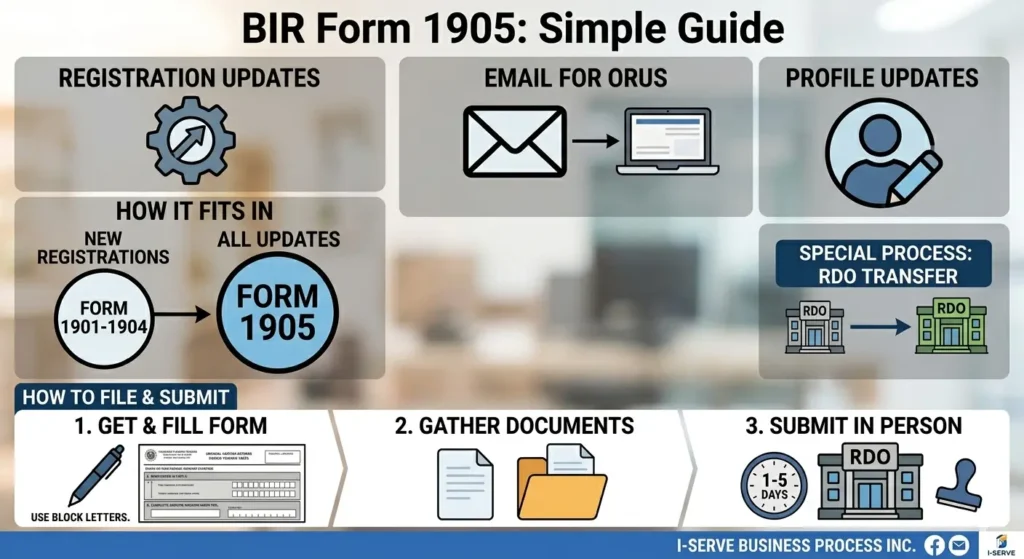
How 1905 fits in the BIR Form ecosystem
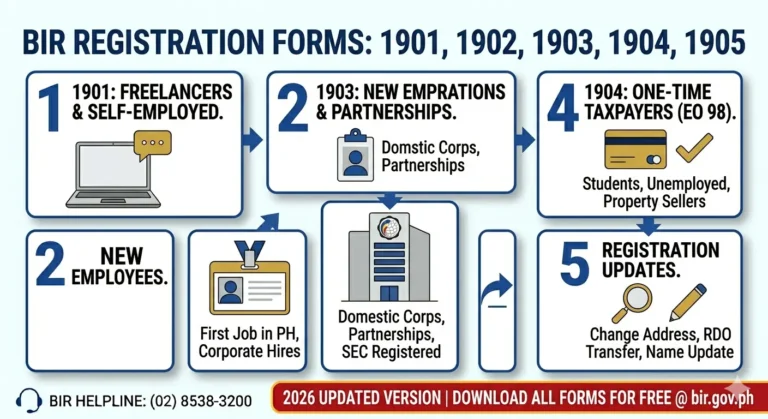
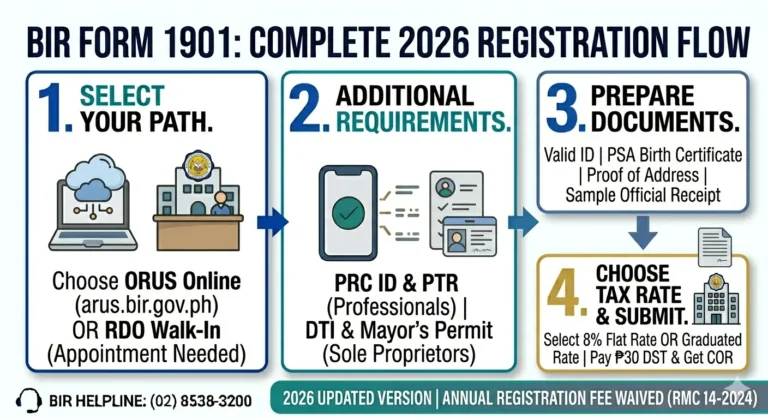
1901 New registration — self-employed / professionals
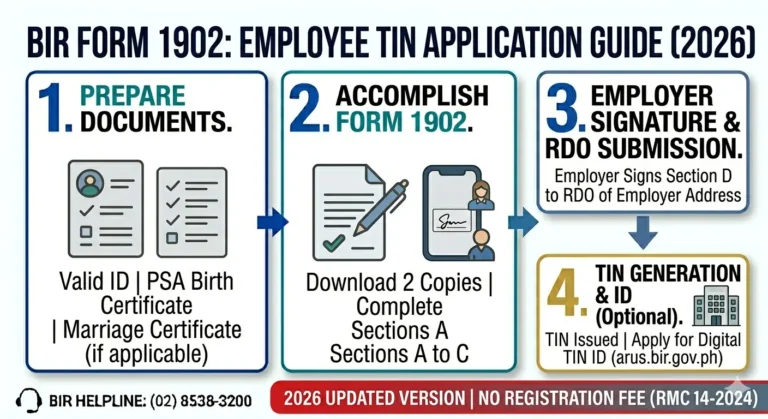
1902 New registration — employees
1903 New registration — corporations / partnerships
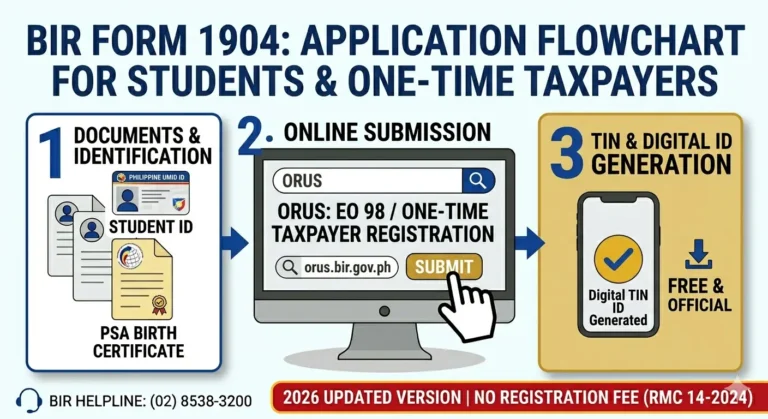
1904 One-time transaction TIN registration
1905 Updates & changes to all existing registrations
Who Needs to File BIR Form 1905?
Any registered taxpayer in the Philippines who needs to update, correct, or cancel any part of their BIR registration must file Form 1905. Specific situations include:
Where to Get BIR Form 1905
BIR Form 1905 is available through two official sources.
The current version in use is the July 2021 (ENCS) edition. Always download the latest version from bir.gov.ph to avoid using outdated forms.
How to Fill Out BIR Form 1905: Section by Section
Follow these instructions when accomplishing the form.
General rules
Part I: Taxpayer Information
Part II: Reason for Registration Information Update:
Part III: Details of Update
Fill in the specific old and new information depending on the update type selected in Part II. For name changes, fill in old name and new name. For address changes, fill in old address and new address.
Part IV: Signature and Date
Sign and date the form. If filing through a representative, attach a Special Power of Attorney and indicate the representative’s details.
How to Submit BIR Form 1905
BIR Form 1905 is submitted in person at your assigned RDO. As of 2026, ORUS does not yet support full online submission of Form 1905 for all transaction types.
Walk-in submission steps
For RDO transfers specifically
Main Purposes of BIR Form 1905
Form 1905 covers nine distinct types of registration updates. Each has a separate section in the form and specific document requirements.studocu+1
1. Replacement of Lost or Destroyed COR or TIN Card
Use this when your Certificate of Registration (BIR Form 2303) or physical TIN Card is lost or damaged.
Requirements:
2. Cancellation of TIN Due to Death or Duplicate TIN
Use this to cancel a TIN upon the death of a taxpayer or to consolidate multiple TINs issued under the same person.
Requirements:
3. Transfer of Registration to Another RDO
Use this when you move to a new address, change employment, or shift from employment to self-employment and your business is located under a different RDO.
Requirements:
Process for RDO transfer:
4. Change of Registered Address (Within the Same RDO)
Use this when you move to a new address within the same RDO jurisdiction. This is simpler than an RDO transfer since it only involves one office.
Requirements:
5. Change of Registered Name
Use this when your legal name changes, most commonly due to marriage or a legal name correction.
Requirements:
In Form 1905, go to Part III and check “Change of Registered Name.” Fill in your old name under Letter A and your new name under Letter B. If married, include your spouse’s name and employer’s details.
6. Change of Civil Status
Use this when you change from single to married or from married to single (annulment or widowhood).
Requirements:
7. Update of Tax Types, Business Activity, or Registered Line of Business
Use this to add, change, or remove tax types enrolled in your BIR registration, or to update your line of business or registered business activity.
Requirements:
8. Cessation or Closure of Business
Use this when permanently closing your business and filing for de-registration with the BIR.
Requirements:
9. Email Update for ORUS Registration (BIR Form S1905)
This is a separate but related form. BIR Form S1905 (Registration Update Sheet) is specifically used to register or update your email address in the BIR system so that you can create an ORUS account.
Requirements for S1905:
Submit S1905 directly to your assigned RDO. Processing takes 5 to 7 business days. Once your email is confirmed by the RDO, you can create your ORUS account using that email.
Processing Time and Fees
Most Form 1905 transactions are processed at no cost. The only fee that applies is:
PHP 30 Documentary Stamp Tax: Required only for replacement of a lost Certificate of Registration (COR)
All other Form 1905 transactions, including RDO transfers, name changes, address updates, business closure, tax type updates, and TIN cancellation, are free of charge. Processing time varies by RDO and transaction type:
| Transaction Type | Processing Time |
| Email update via S1905 | 5 to 7 business days |
| Address change within same RDO | 1 to 3 business days |
| RDO transfer | 5 to 10 business days |
| Name or civil status update | 3 to 5 business days |
| COR replacement | 1 to 3 business days |
| Business closure | 15 to 30 business days (includes audit) |
Common Mistakes When Filing BIR Form 1905
Avoid these errors to prevent delays or rejection at the RDO.scribd+1
BIR Form 1905 vs BIR Form S1905
These two forms are often confused but they serve different purposes.depeddavnor+1
| BIR Form 1905 | BIR Form S1905 | |
| Full name | Application for Registration Information Update | Registration Update Sheet |
| Purpose | All general registration updates and corrections | Specifically for registering or updating email for ORUS |
| Who uses it | All taxpayers needing any registration update | Taxpayers who want to create or access their ORUS account |
| Where to get it | bir.gov.ph or your RDO | bir.gov.ph or your RDO |
| Processing time | 1 to 10 business days | 5 to 7 business days |
Use S1905 specifically for ORUS email registration. Use the regular Form 1905 for everything else.
Frequently Asked Questions
Conclusion
BIR Form 1905 is one of the most important yet overlooked forms in the Philippine tax system. Most taxpayers only think about it when something goes wrong, a lost COR, a move to a new address, or a name change after marriage. But knowing exactly when and how to use it saves you time, prevents penalties, and keeps your BIR records accurate.
The key is to file Form 1905 as soon as any of your registration details change. Delayed updates can cause mismatches in your tax filings, block your ORUS access, or result in notices sent to an old address. Whether you are transferring to a new RDO, closing your business, or simply registering your email through Form S1905 to access ORUS, the process is straightforward as long as you prepare the right documents in advance.