
TIN ID Online Appointment: Book via BIR eAppointment
Getting a TIN ID in the Philippines used to mean waking up early, commuting to your Revenue District Office, and spending hours in a queue. The BIR now gives you two ways to avoid all of that. If you specifically need a physical TIN ID Online Appointment, the BIR eAppointment system is your tool.
You can book an advance appointment through the BIR eAppointment System for RDO visits, or skip the appointment entirely and get a free Digital TIN ID through ORUS in under five minutes.
What is the BIR eAppointment System?
The BIR eAppointment System is a web-based booking calendar that allows taxpayers to reserve a specific date and time for their RDO visit. It was introduced to reduce physical queues at BIR offices and give taxpayers a guaranteed time slot for their transactions.
Available 24/7
Book your appointment online at any time, day or night.
Advance Scheduling
Same-day, next-day, or advance booking for all RDOs nationwide.
Email Confirmation
Receive instant email confirmation with appointment details.
Free to Use
No booking fees — the service is completely free.
All RDOs Covered
Covers all Revenue District Offices nationwide.
Reschedule Anytime
Easily reschedule or cancel your appointment online.
The system is particularly useful during peak periods such as January for books of accounts registration, April for annual income tax filing, and the first quarter for new business registrations.
When Do You Need a BIR Appointment for TIN ID?
You need a BIR TIN ID Online appointment for TIN-related transactions that still require an in-person RDO visit. These include:
Don’t need an appointment?
If your purpose is only to get your TIN and a Digital TIN ID, you do not need an appointment. Go directly to ORUS instead.
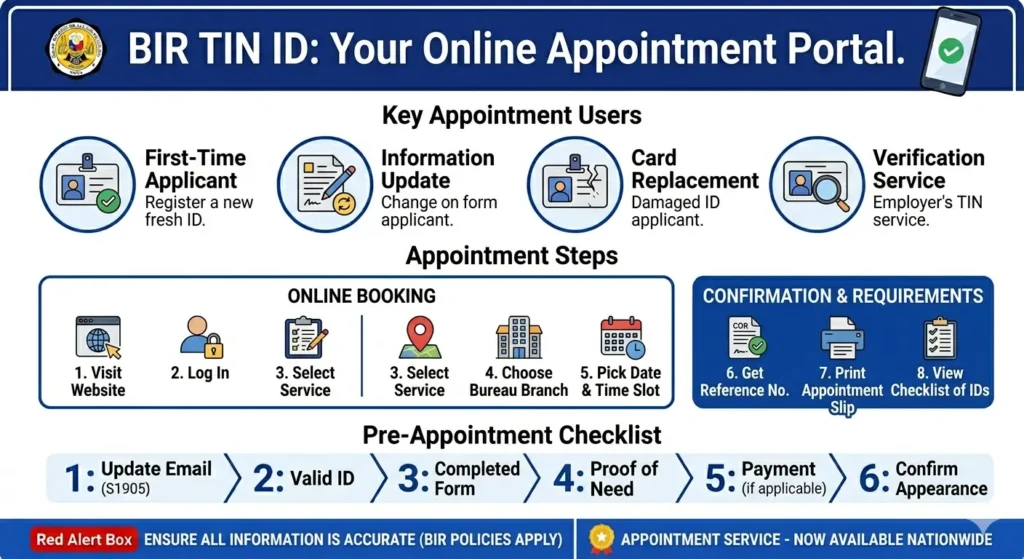
Book a BIR Online Appointment for TIN ID
Follow these steps to book your slot through the BIR eAppointment System.
Go to the BIR eAppointment System
Open your browser and go to the official website.
You can also access it from the BIR main website at bir.gov.ph. Scroll down to the homepage and look for the “Book via eAppointment Now” button. Click Read More, then click Book Now.
Click “Book Now”
On the eAppointment landing page, click the Book Now button to start the scheduling process.
Select your Region and RDO
From the dropdown menu, select your region first (for example: National Capital Region, Region III, Region IV-A). Then select the specific RDO where you are registered or where you intend to transact.
If you are a first-time applicant, choose the RDO that covers the barangay of your residential or business address.
Select your Transaction Type
From the list of available services, select the transaction relevant to your TIN ID purpose:
Fill in your Personal Information
Enter the following details:
Choose your Preferred Date and Time
A calendar will display available TIN ID Online Appointment slots. Green slots are available, grey slots are fully booked.
Most RDOs offer morning slots from 8:00 AM to 11:30 AM and afternoon slots from 1:00 PM to 3:30 PM, Monday to Friday only.
Confirm your Appointment
Review all your entered details carefully, then click Confirm Appointment. The system generates a unique appointment reference number.
Save your Confirmation Email
The BIR eAppointment System sends a confirmation email to the address you provided. This email contains:
Print or save this confirmation. You will need to present it at the RDO.
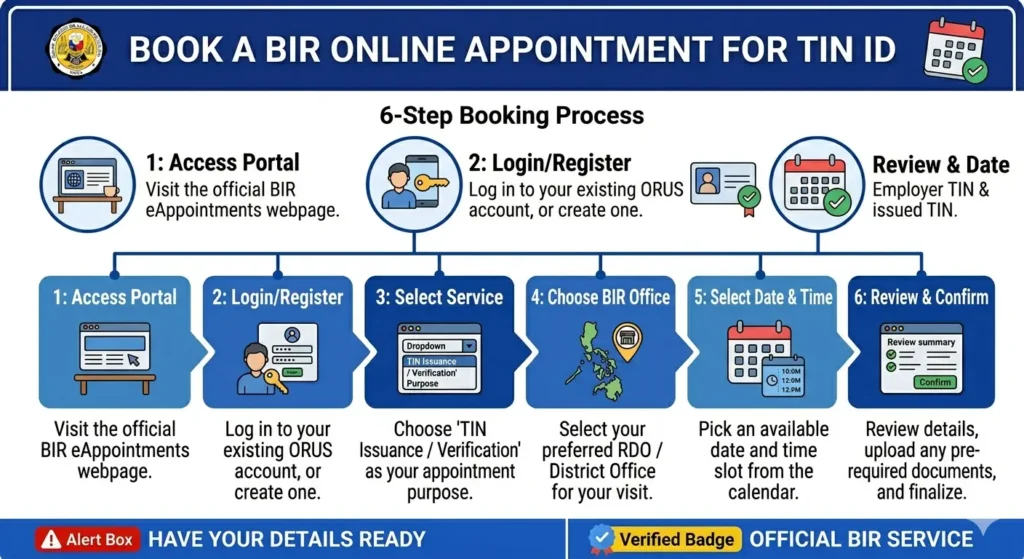
What to Bring to Your BIR TIN ID Online Appointment
Arriving with complete documents ensures your appointment is not wasted.
For first-time TIN ID applicants:
For TIN card replacement (lost or damaged):
For email update via S1905:
Important Reminders Before Your Appointment
Follow these guidelines to make your RDO visit smooth and efficient.
How to Reschedule or Cancel a BIR eAppointment
Plans change, and I want to cancel the TIN ID online appointment. Here is how to manage your booking.
To Reschedule
To Cancel
No-show policy
Cancel as early as possible so your slot becomes available for other taxpayers. There is no penalty for cancellation, but repeated no-shows may affect future booking access on some RDOs.
What if the eAppointment System is Under Maintenance?
The BIR eAppointment System occasionally goes under maintenance, particularly during peak tax periods and system upgrades.
Faster Alternative: Get Your Digital TIN ID via ORUS (No Appointment Needed)
If your goal is simply to have a valid TIN ID for employment, banking, or government transactions, skip the TIN ID online appointment entirely and use ORUS.
The Digital TIN ID:
To get your Digital TIN ID through ORUS:
The entire process takes under five minutes.
Physical TIN Card vs Digital TIN ID: Which One Do You Need?
Before booking a TIN ID online appointment, understand the difference between these two types of TIN identification.
Process | Physical TIN ID | Digital TIN ID |
|---|---|---|
How to get it | Walk-in RDO (appointment optional) | ORUS online, instant download |
Cost | Free | Free |
Processing time | Same day (if slots available) | Instant |
RDO visit required | Yes | No |
Legal validity | Government-issued ID | Government-issued ID (RMC 120-2023) |
QR verification | No | Yes |
Best for | Those who prefer a physical card | Everyone, fastest option |
Recommendation for 2026: For most Filipinos, the Digital TIN ID through ORUS is the faster and more practical choice. The physical TIN card requires an RDO visit and is only issued to taxpayers who are already registered. If you just need proof of your TIN for a bank account, employer, or government transaction, the Digital TIN ID works just as well legally.
FAQs
Conclusion
Booking a TIN ID online appointment in the Philippines is straightforward through the BIR eAppointment System. Select your RDO, choose your transaction type, pick an available time slot, and arrive on time with your complete documents. The entire booking process takes less than five minutes online and is completely free.
That said, for most Filipinos in 2026, the Digital TIN ID through ORUS is the better option. It requires no appointment, no RDO visit, no queue, and delivers a legally valid government ID instantly to your dashboard. Reserve the BIR eAppointment for situations where an in-person RDO visit is genuinely necessary, such as email updates via S1905, physical TIN card requests, or resolving ORUS errors that cannot be fixed online.