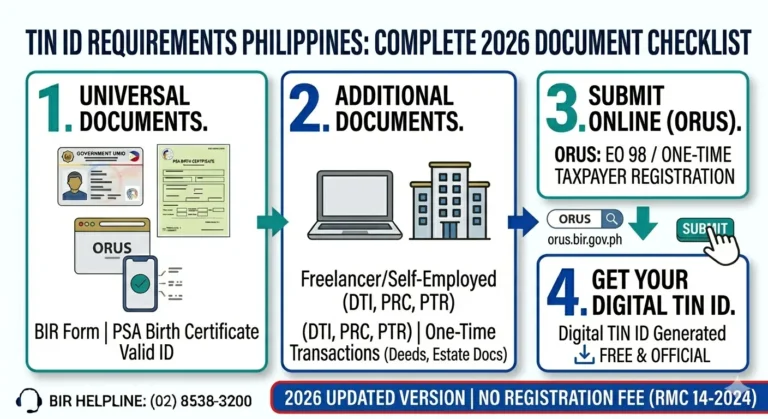
How to Get a TIN Verification Slip 2026
A TIN Verification Slip is a document issued by the Bureau of Internal Revenue (BIR) that confirms your registered TIN, your full registered name, your address, and the RDO where your TIN is registered. Many Filipinos need this document when applying for jobs, opening bank accounts, taking out loans, or participating in government transactions.
Everything you need to know about the BIR TIN Verification Slip — what it is, how to get it online or at your RDO, and the fastest way to verify your TIN in the Philippines.
What is a TIN Verification Slip?
A TIN Verification Slip is an official BIR document that proves your Tax Identification Number is valid and registered. It shows four key details about your BIR registration.
Employers, banks, and government agencies sometimes ask for this document to confirm that your TIN is legitimate and properly registered with the BIR.
Who Needs a TIN Verification Slip?
Not everyone needs a physical TIN Verification Slip. You typically need it in the following situations.
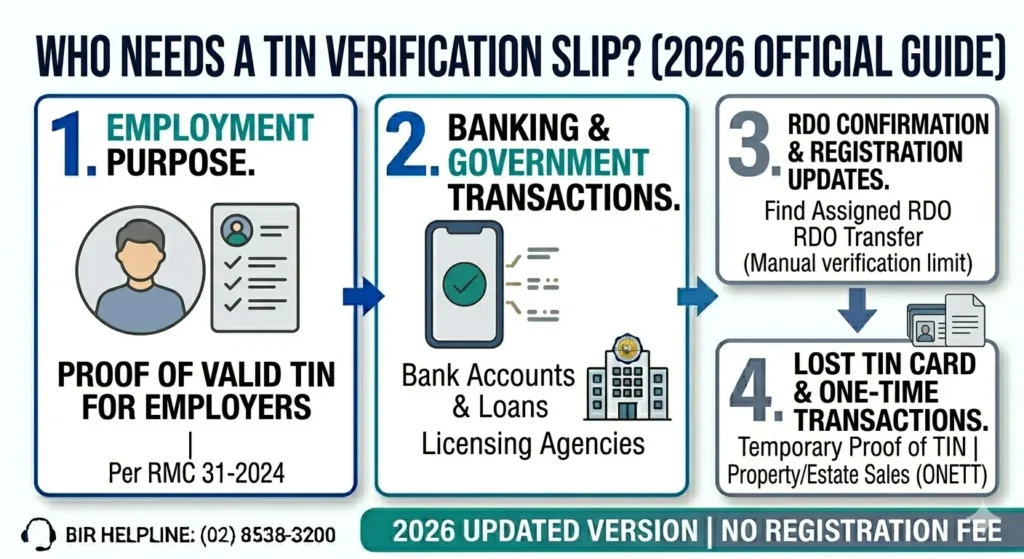
Important Update: Manual TIN Verification Slips Are Now Limited
Under Revenue Memorandum Circular No. 31-2024, RDOs are no longer required to issue manual TIN Verification Slips for employment purposes.
The BIR now directs all TIN verification to be done online first through ORUS and Chatbot Revie before going to an RDO. If your employer asks for a TIN Verification Slip, inform them that the BIR’s official online verification tools serve the same purpose.
Important: If an HR department or employer insists on a TIN Verification Slip, direct them to the ORUS TIN Verification and BIR Registered Business Status Search Facility at orus.bir.gov.ph, which provides the same information instantly and free of charge.
How to Verify Your TIN ID Online
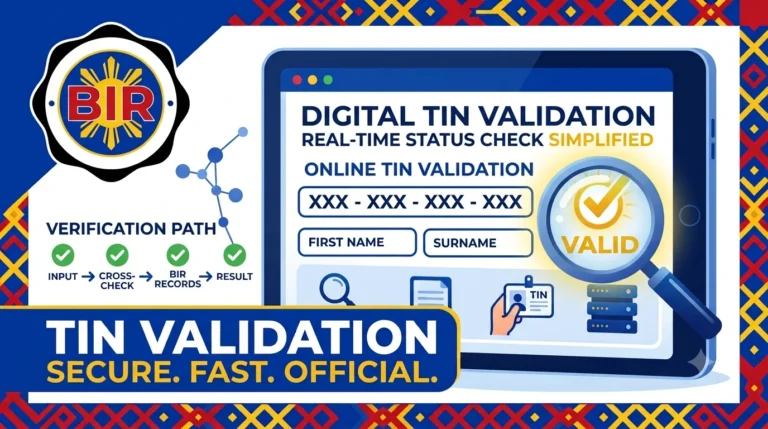
You can verify your TIN for free using the BIR’s official online tools without visiting an RDO. ORUS at orus.bir.gov.ph, Chatbot Revie at bir.gov.ph, and the dedicated validation page at revie.bir.gov.ph/tin-validation all confirm your TIN instantly. For a complete step-by-step guide on all verification methods, read our full article on TIN ID Verification Philippines.
What Information Appears on a TIN Verification Slip?
A TIN Verification Slip issued by the BIR at the RDO contains the following information.
Field | Details Shown |
|---|---|
Taxpayer Name | Your full registered name as it appears in BIR records |
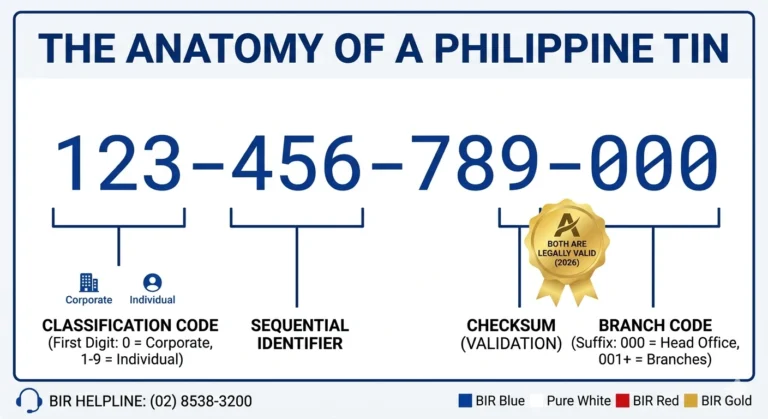
Tax Identification Number | Your complete TIN including branch code |
Registered Address | Your address on file with the BIR |
RDO Code | The code of your assigned Revenue District Office |
RDO Name | The full name of your assigned RDO |
Taxpayer Type | Your registration type (e.g., individual, employed, self-employed) |
Is a TIN Verification Slip the Same as a TIN ID?
No. A TIN Verification Slip and a TIN ID are two different things.
A TIN ID is a physical or digital identification card with your photo. It is a valid government-issued ID accepted by banks, employers, and agencies. A TIN Verification Slip is a plain document that confirms your TIN details without a photo.
A TIN ID from ORUS includes your TIN, name, birthdate, and a QR code, and is accepted as proof of TIN by most institutions. For most practical purposes in 2026, a Digital TIN ID from ORUS is more useful than a TIN Verification Slip.
TIN Verification Slip vs Digital TIN ID vs ORUS Verification
Use this table to decide which option best fits your situation.
Situation | Best Option |
|---|---|
Employer or bank needs TIN confirmation | ORUS TIN Verification Tool |
Need a valid ID with TIN for personal use | Digital TIN ID from ORUS |
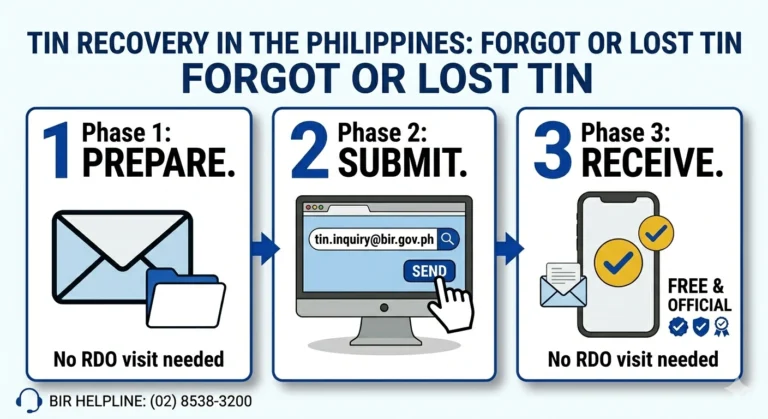
Forgot your TIN completely | Chatbot Revie or email tin.inquiry@bir.gov.ph |
Need a physical document from BIR | Walk-in at RDO for TIN Verification Slip |
Need to find which RDO your TIN belongs to | Chatbot Revie RDO Finder at bir.gov.ph |
Cannot visit RDO and need urgent TIN confirmation | ORUS or revie.bir.gov.ph/tin-validation |
Can the BIR Refuse to Give a TIN Verification Slip?
Yes. The BIR can and does refuse TIN Verification Slip requests in certain cases.
Your TIN is classified as Sensitive Personal Information under Republic Act 10173, the Data Privacy Act of 2012. The BIR will not give your TIN details to anyone who cannot prove their identity or authorization.
Requests through the Freedom of Information (FOI) portal are also denied for this same reason. The BIR directs all TIN verification requests with different formats to official channels such as ORUS, Chatbot Revie, the BIR email inquiry, or a properly documented walk-in request.
Important Reminders
Keep these rules in mind when requesting a TIN Verification Slip or verifying your TIN online.
FAQs
Conclusion
A TIN Verification Slip confirms your registered TIN, name, address, and RDO Code. In 2026, you can verify this information instantly online through the ORUS TIN Verification Tool, Chatbot Revie, or the dedicated TIN validation page at revie.bir.gov.ph/tin-validation without visiting an RDO.
Walk-in verification at your RDO is still available for cases where a physical document is specifically required. Always bring two valid IDs and, if someone is representing you, a notarized SPA. For forgotten TINs, email tin.inquiry@bir.gov.ph with your identity documents and expect a response within 1 to 3 business days.